
Turn unwanted calls into a RingRoast.
A fast, neon soundboard built for unwanted and nuisance calls. Tap a sound, let it play, and tap again to fade. Direct Call Audio works on supported iPhones; Acoustic Speaker Mode keeps older devices in the game.
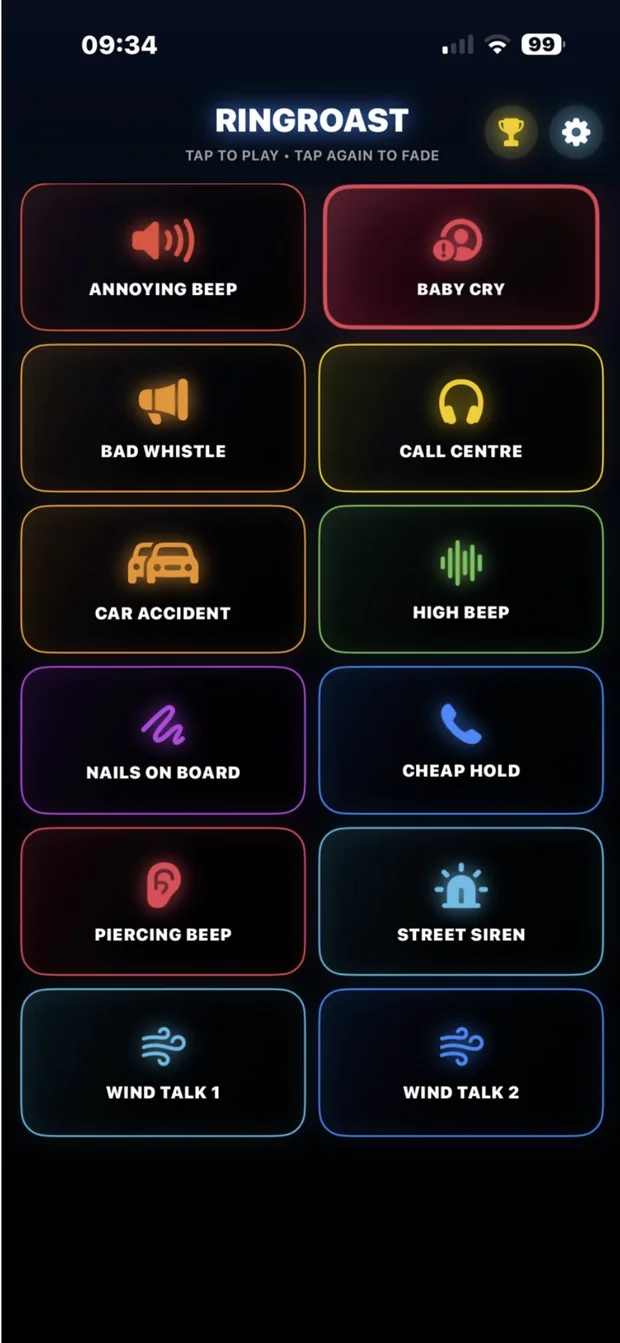
Built to be instant.
No account, no complicated controls and no endless menus. Open RingRoast, choose a sound and stop it with another tap.
One-tap playback
Start a sound immediately. Tap the active button again to fade and stop.
Two playback modes
Direct Call Audio on supported iPhones, plus Acoustic Speaker Mode as a practical fallback.
Privacy by design
RingRoast is not designed to record, store, transcribe or upload your calls.
Works with the phone you have.
The available method depends on your device, operating-system version, settings and call type.
On supported iPhones with the required iOS version and permission, RingRoast can add selected app audio directly to supported calls. Availability is not guaranteed for every device, call or audio route.
On older or unsupported iPhones, place the call on speakerphone and play the sound through the device speaker. Keep the phone away from your head and start at a low volume.
Use RingRoast safely and lawfully
RingRoast contains sudden, repetitive and high-pitched sounds. Start at a low volume, keep speakers away from all ears, and never use the app while driving, during a real emergency, to imitate emergency services, or to threaten or deliberately cause serious distress.